How to Delete Your Account
Whether you’re looking to safeguard your privacy or simply ready to say goodbye to Encouraging Prayer, deleting your account is quick and easy. Just follow the simple steps below, and your profile, prayer requests, comments, and partnerships will be permanently deleted. We do not retain logs of your activity—your data will be completely erased once your account is removed.
What Happens When You Delete Your Account:
- Your user profile and login credentials will be permanently deleted.
- All prayer requests you submitted will be removed.
- All comments and replies you posted will be erased.
- Any partnerships or circle memberships you joined will be disconnected.
- Your data will be fully removed from our servers immediately and cannot be restored.
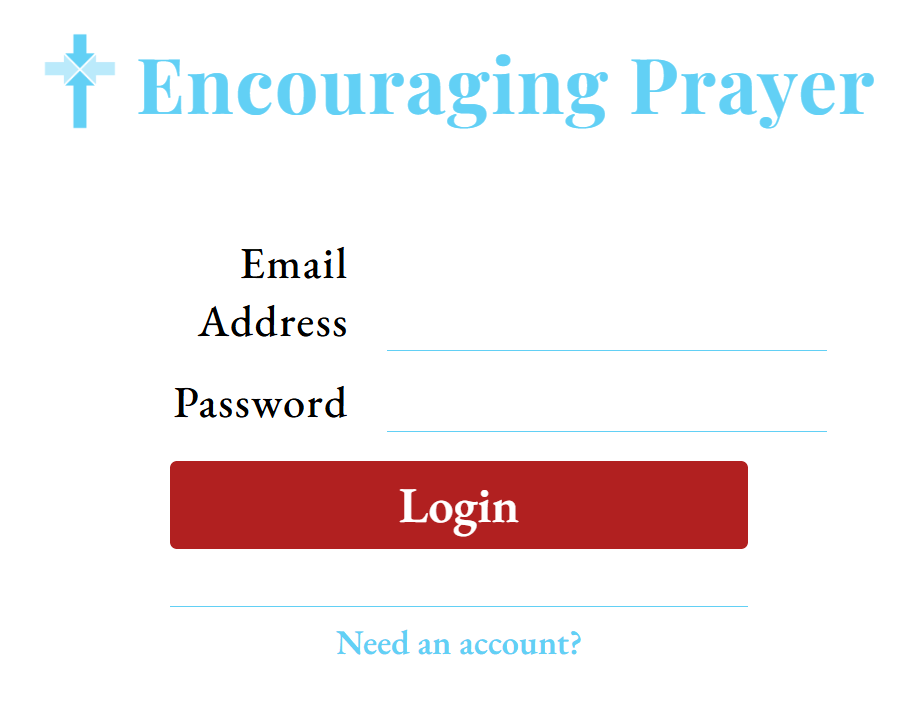
Step 1: Log In to the Online Portal
Head over to the web portal and enter your credentials to sign in:
- If you need help logging in, our support team is available at support@encouragingprayer.org.
Step 2: Navigate to "Profile"
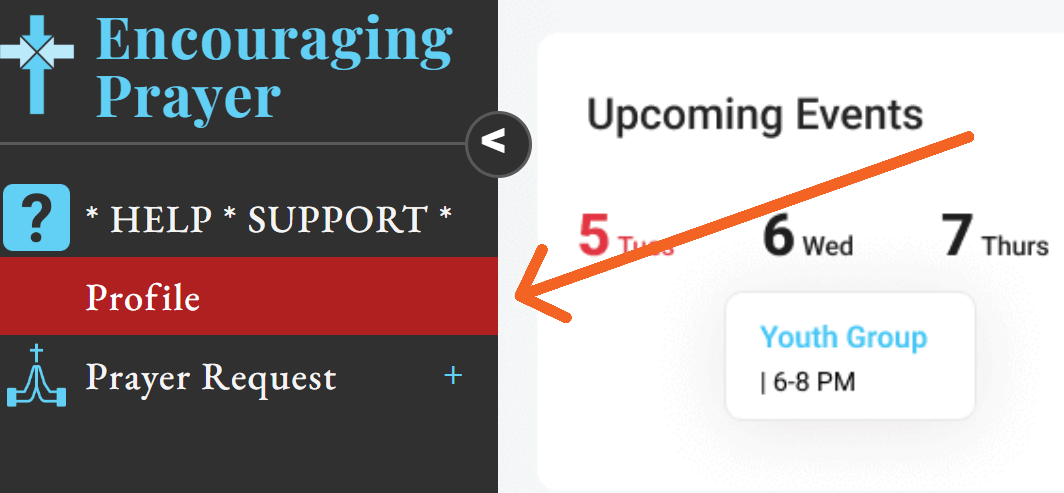
Once logged in, select "Profile" from the left navigation menu.
Step 3: Select “Delete Profile”
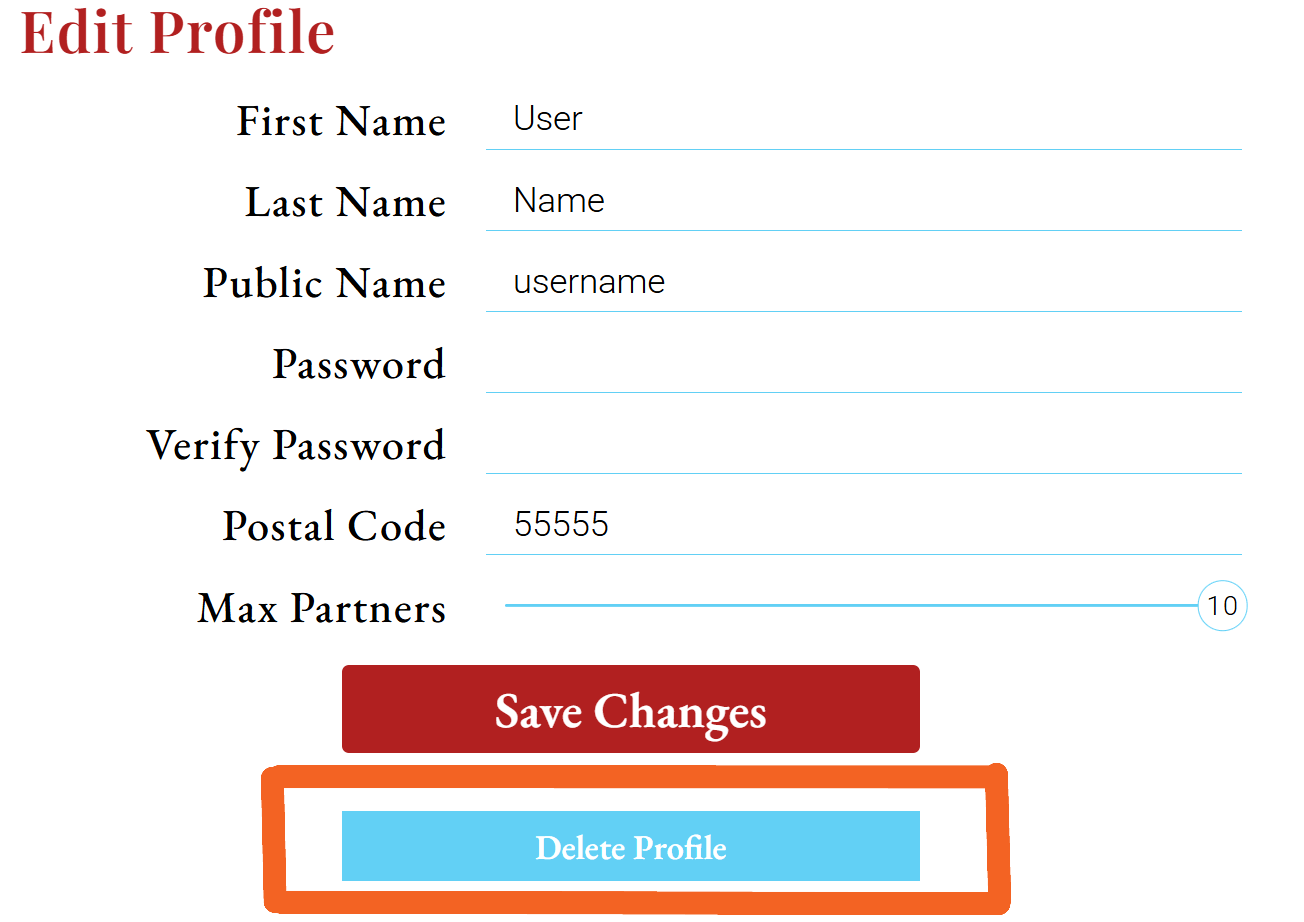
Scroll down to the bottom of Edit Profile page and select “Delete Profile”. This starts the deletion process.
Step 4: Confirm "DELETE" Profile"
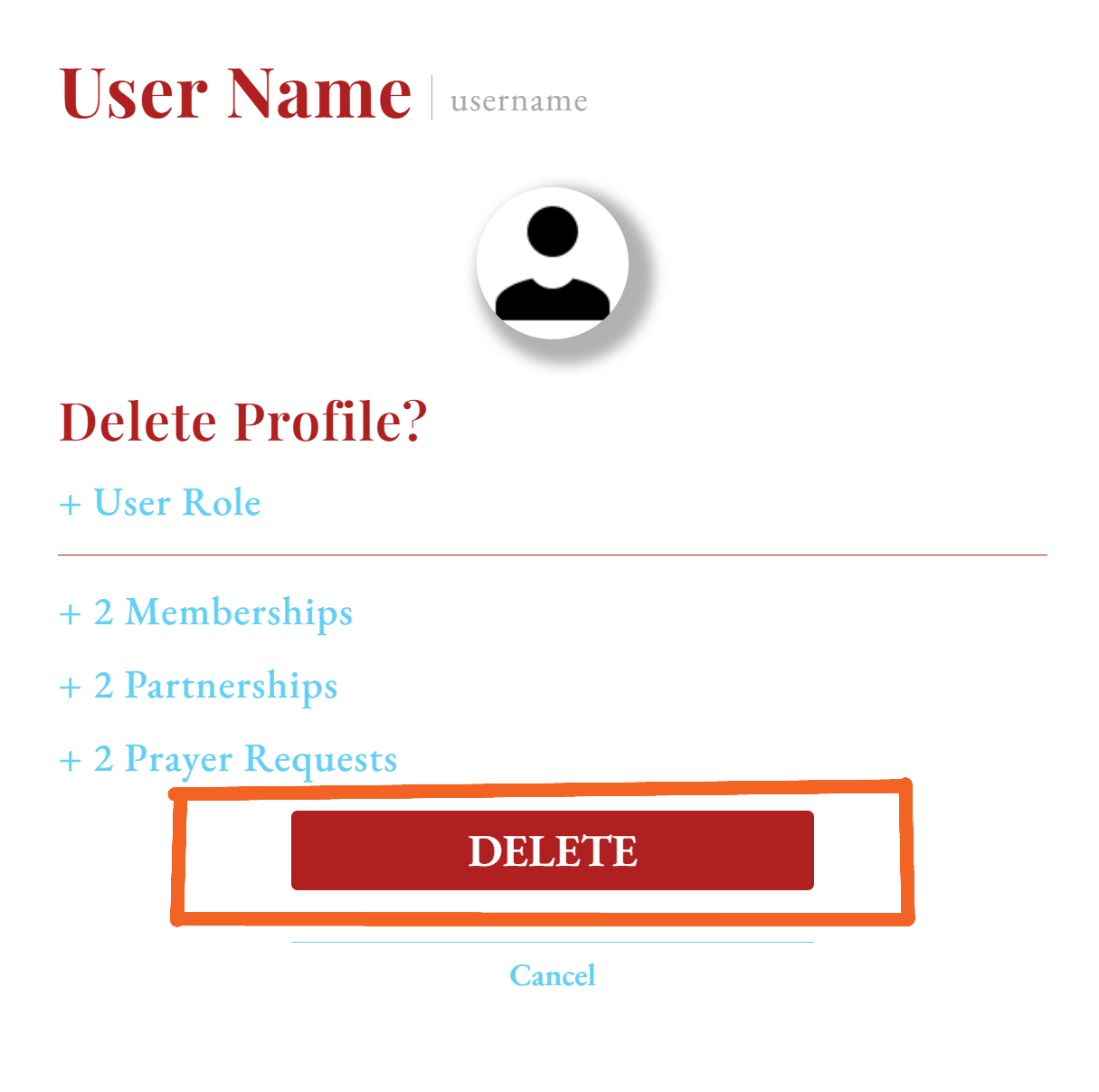
A confirmation popup will appear asking you to verify that you want to permanently delete your profile. Select "DELETE", and the process begins!
- Note: If you are a "Circle Leader", ownership of the Circle must first be transferred. Contact support for assistance: support@encouragingprayer.org.
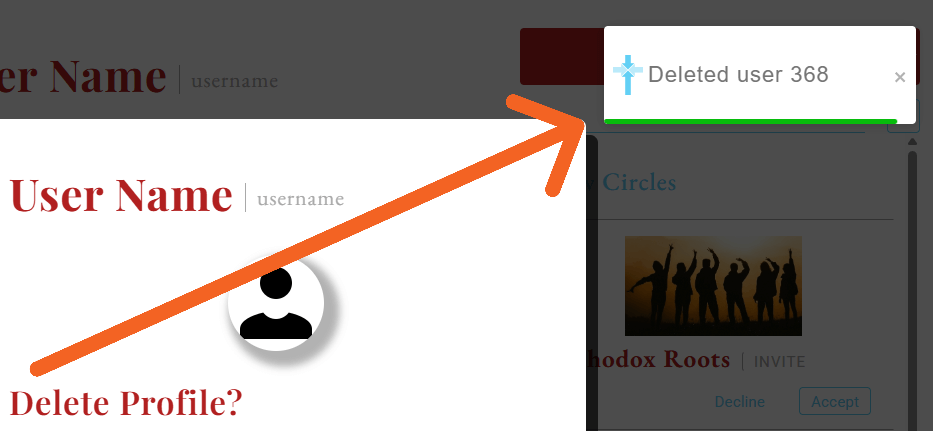
Step 5: Success! You’re All Done
You’ll see a toast message in the upper right corner; confirming your profile and data have been deleted. No more data will remain on our servers — goodbye, data worries!